

Note-Taking Apps Aren't Dying. They're Becoming Something Better
Your knowledge base is about to become your most important asset. Here's how to get ready.

I’ve heard a lot of chatter lately about whether note-taking apps will even exist in a few years.
I get the impulse. Last week Tana’s MCP integration launched, and it’s actually got me asking the question: how much time will we actually spend in our apps versus just talking to AI and having it press the buttons for us?
It’s a fair question. But I think the “note-taking apps are dead” take misses something important.
First, a caveat....
How I use my note-taking app with AI has changed like ten times in the last three months. New tools launch, new capabilities drop, and suddenly what felt impossible last month is just... Tuesday. So anyone making definitive statements about what will or won’t exist five years from now? I don’t think any of us have the capacity for that right now. Tomorrow something could launch and change everything.
Take everything I say here with a grain of salt too.
The Real Reason We Take Notes
Right now we still need somewhere to externalise what’s in our heads. That’s what note-taking is. Getting clear on the messy stuff floating around in your brain. And that need? It’s not going anywhere.
Even with AI, a fresh Claude conversation has no context, no nuance, no history. It’s starting from zero every time. Which means AI on its own isn’t enough. It needs something to work with.
(And even if AI gets better memory and stores our conversations, essentially what it’s doing is building its own knowledge base/externalised form of thinking from our conversations.)
Is It The Structure of Notes That Becomes Important?
There’s a big difference between a folder full of messy notes and a structured, tagged, interconnected knowledge base. And I think this is where things get interesting for the “will apps survive” question.
AI works better with structured data. When your notes are tagged, fielded, and connected, AI can actually do something useful with them. When they’re a thousand unorganised text files? AI has to do a lot more work, burn a lot more credits, and still might miss the important stuff.
So it’s not just “will we still take notes.” It’s “will we still need systems for our thinking.” And I think the answer is obviously yes, maybe more than ever.
I think everyone who makes a living from their ideas will end up with two layers: a knowledge base where all their thinking lives externalised, and an AI layer they talk to and work with.
The knowledge base becomes the context. The AI becomes the collaborator.
Your Note-Taking App Is No Longer a Solo Workspace
For years, my note-taking app was mine. My workspace. My ideas. My tasks. A solo environment.
Now AI is in there with me. This morning I brain-dumped a raw idea into Claude, and it structured the whole thing and dropped it into Tana as a tagged piece of content. That’s not me using a note-taking app. That’s me and AI co-working in a shared knowledge space.
That’s not an app dying. That’s an entirely new way of working being born.
Your Knowledge Base Is About to Be Your Most Valuable Asset
If you make a living from your ideas, your knowledge base is about to become one of the most important things you own. Not because note-taking is trendy, but because the more you’ve externalised your thoughts, the better AI can work with you.
Your ideas, your frameworks, your half-baked thoughts, your goals, the stuff you’re afraid of, the questions you haven’t answered yet. All of it becomes context that makes AI a better partner.
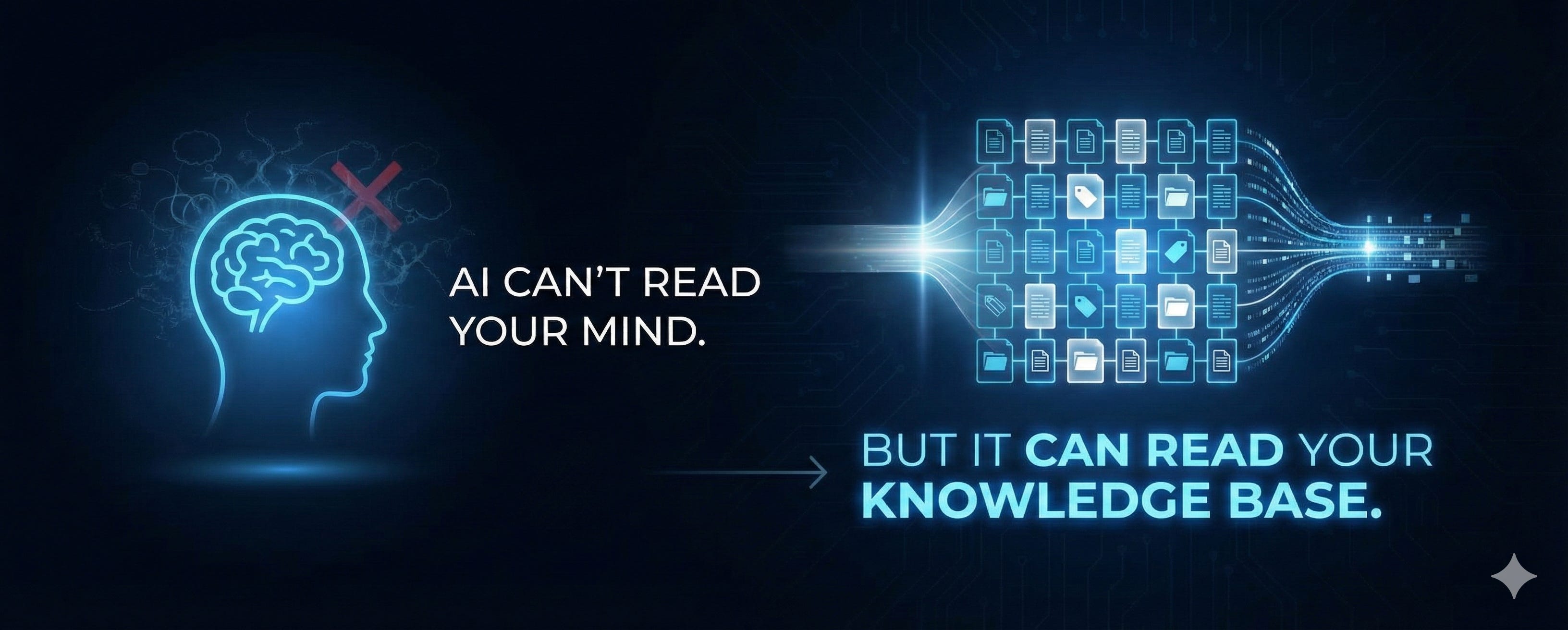
AI can’t read your mind. Not yet, anyway. But it can read your knowledge base. And the richer that base is, the more useful the partnership becomes.
So. What do you actually do about this?
How to Prepare Your Notes (and Yourself) for This New Way of Working
1. Choose a tool. But don’t overthink it.
You need somewhere to externalise your thoughts. The specific tool matters less than you think. I personally use Tana. I’ve been investing in externalising my thinking there for three years now, and it works for me.
But the tool isn’t the point. Here’s what I would look for: choose something you actually like using. Choose something that makes it easy to capture quickly. And if you can, choose something that’s already connected to AI, because you can start getting value from that partnership right now rather than waiting.
That’s it. Pick something and move on.
2. Get into the practice of externalising. More than you think you need to.
This is the one that caught me off guard.
I’ve always externalised the obvious stuff. Ideas, content, journal entries, things I’m reading and capturing. That felt like enough. Until I started working with AI more seriously.
I wanted AI to help me with my weekly planning. The problem? I’d never actually written down my business plan for the year. Never externalised what my quarterly goals were. That stuff was just in my head, because it’s me, I can always access it. But AI can’t access it. When I asked “what’s important this week?” it had nothing to work with.
So now I’m externalising things I never used to. Thought processes. Daily logs. What I’m working on, what I got to, what I accomplished, what’s on my mind. It feels like more effort, but it means when I have a conversation with AI, it actually knows what’s happening.
And if that sounds like a lot of work, here’s the thing: just let AI do it.
Every morning I open a Claude Code session and say “Here’s my morning brain dump, Chad” (my AI chief of staff is called Chad). I just talk through everything that’s in my head. Because Claude is connected to Tana through the MCP, it organises everything into tasks, actions, projects, ideas, all of it. And then we keep working together from there.
You don’t have to manually log everything. You just have to get it out of your head. Let AI handle the organising.
3. Start using AI as a co-worker in your notes.
Think about all the things you used to do with your notes on your own. Organising them. Tagging them. Connecting them to other ideas. Filing them into the right places.
Start letting AI help with that.
One of my biggest systems is my spark notes. I capture sparks constantly, little ideas and observations that might become something later. Sometimes I’m really good at going through them and connecting them into collections. Other times... I’m not.
So now I’ll ask AI: “Can you go through my spark notes from the last week and add them into a collection you think is appropriate?”
Would it be better if I did it myself? Maybe. But getting them somewhere is better than getting them nowhere. And AI is surprisingly good at spotting patterns and connections you might miss.
4. Ask AI how you should organise your thinking.
This one is so simple but people skip it.
If you’ve already got notes scattered around (Apple Notes, Tana, Obsidian, Notion, wherever), just ask AI to have a look. “Hey, what’s the best way we could actually organise and externalise this stuff so we can work together?”
AI is genuinely great at this kind of structural thinking. It can look at what you’ve got, suggest how to organise it, and help you build a system that works for both of you. Not just for you anymore. For the partnership.
The shift is already happening. Your note-taking app is becoming a shared workspace between you and AI. The question isn’t whether that’s coming. It’s whether you’re ready for it.
PS If this idea of turning your notes into a knowledge base that works with AI has you thinking about your own system, here are a couple of ways I can help:
If you want to explore more ways to use AI as a thinking partner in your notes, check out my AI Note-Taking Playbook. A BUNCH of prompts that I have collected and curated to help me think and build ideas in my notes.
And if you want help actually building a system for your ideas, somewhere to develop and grow them instead of just collecting them, you might enjoy my course Knowledge Alchemy, where I teach the system that finally stopped me losing good ideas to the abyss constantly.
Solid perspective on how AI changes the note-taking game without killing it. The shift from solo workspace to shared knowledge environment is spot on becuase structured data really does unlock way better AI performance. I've been experimenting with similar workflows and the difference between feeding AI raw dumps versus organized context is massive, so externalizing even the messy stuff starts making alot more sense.